
 What a Day
You didn’t write it down.
Your day did.
What a Day turns your places, photos, weather, sleep, workouts and calendar into one timeline — then writes a one-line summary of your day. You just live it.
iPhone · iPad · Apple Watch · iOS 27 or later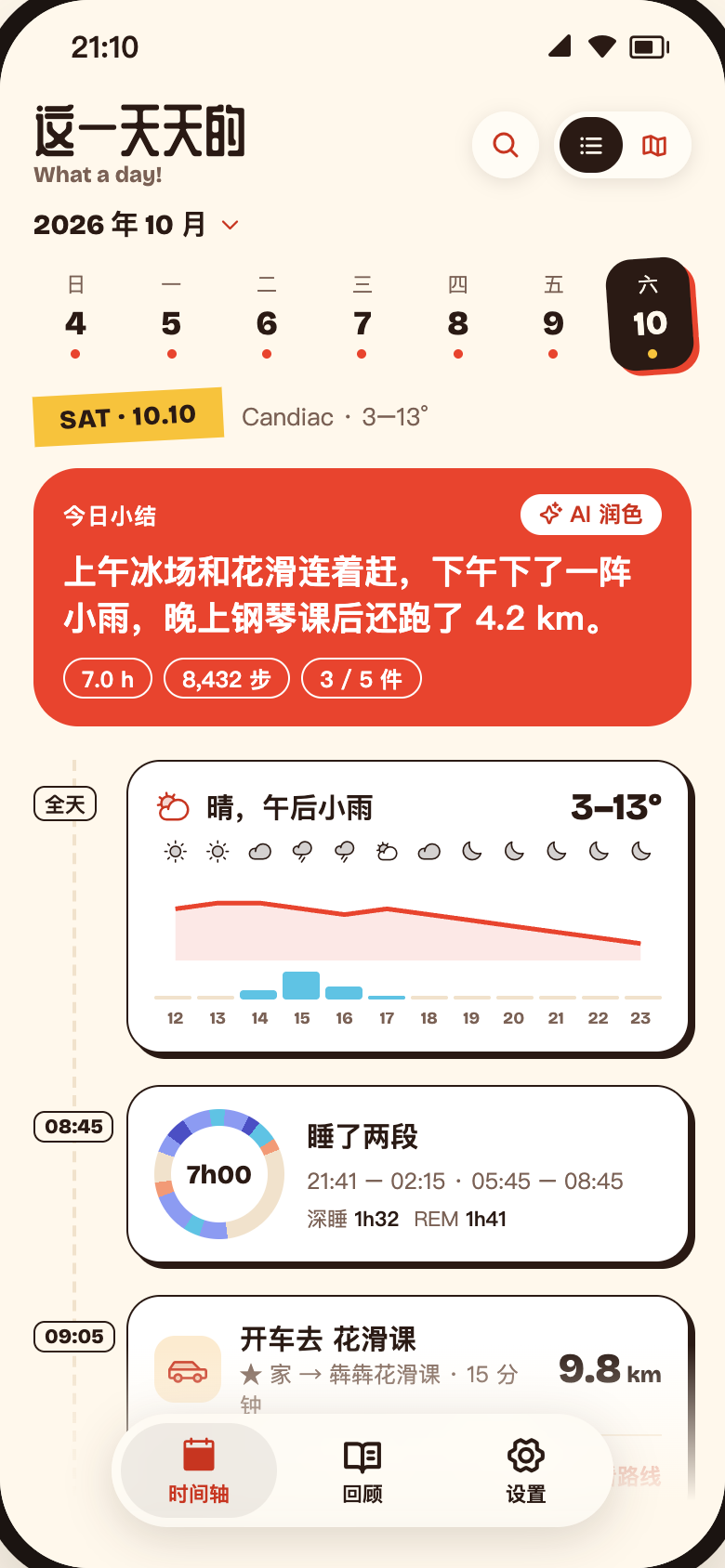
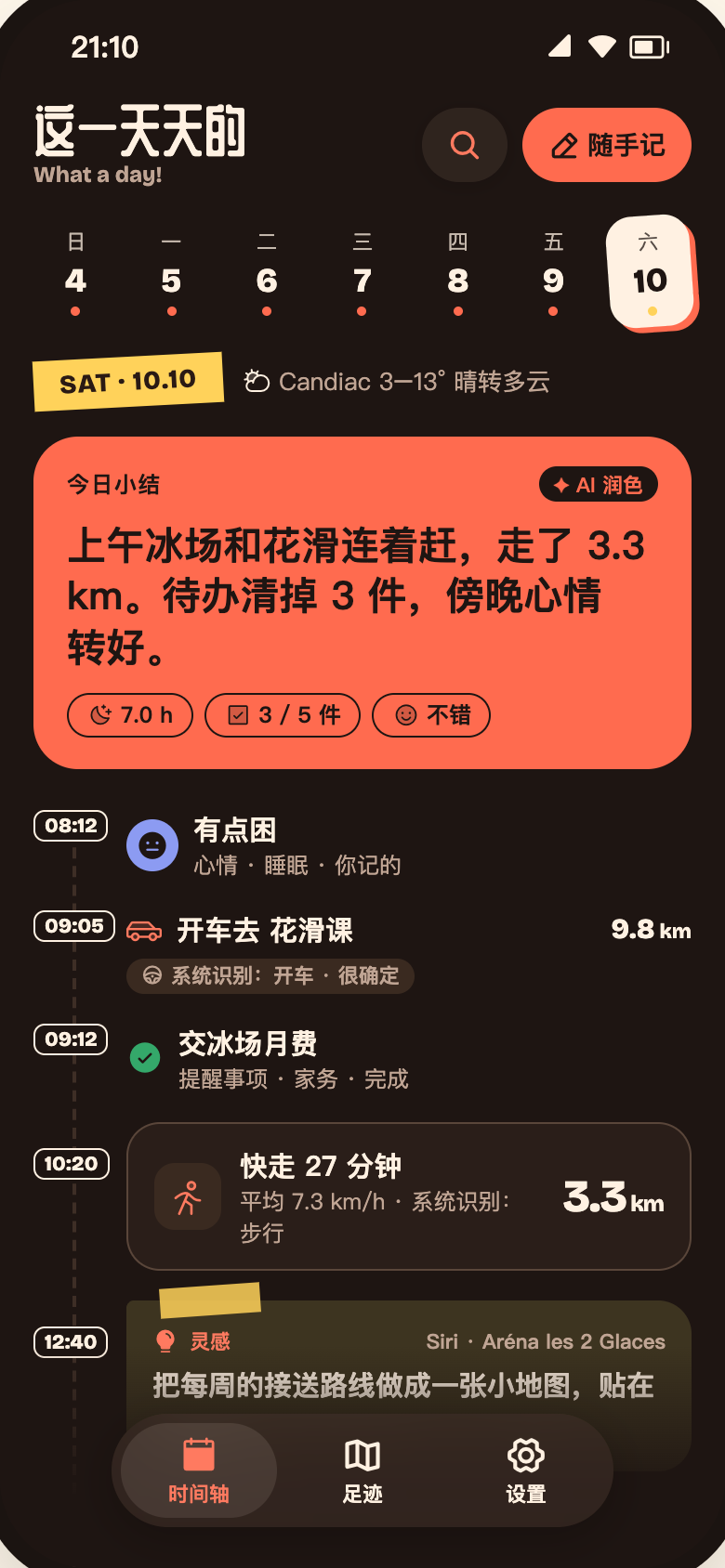
THESE SHOW UP ON YOUR TIMELINE BY THEMSELVES
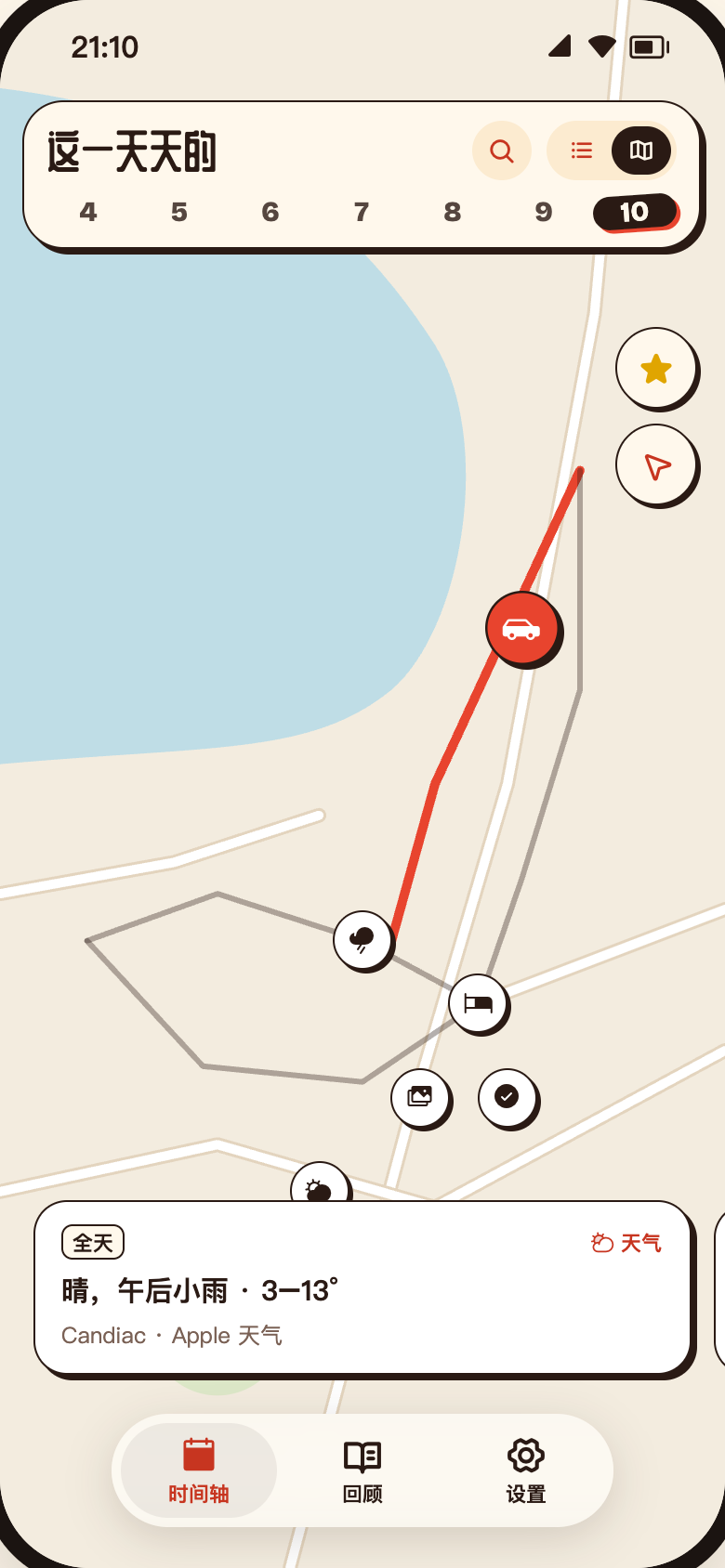
When and where, on a single line
The list answers “what did I do, and when.” The map answers “where.” Same records, same selection — switch views and nothing gets lost.
- The whole day’s weather as one card — and rain becomes an event
- Split sleep on one dial, with deep and REM at a glance
- Driving, walking or cycling, detected for you — with the songs you played
One line a day, written for you
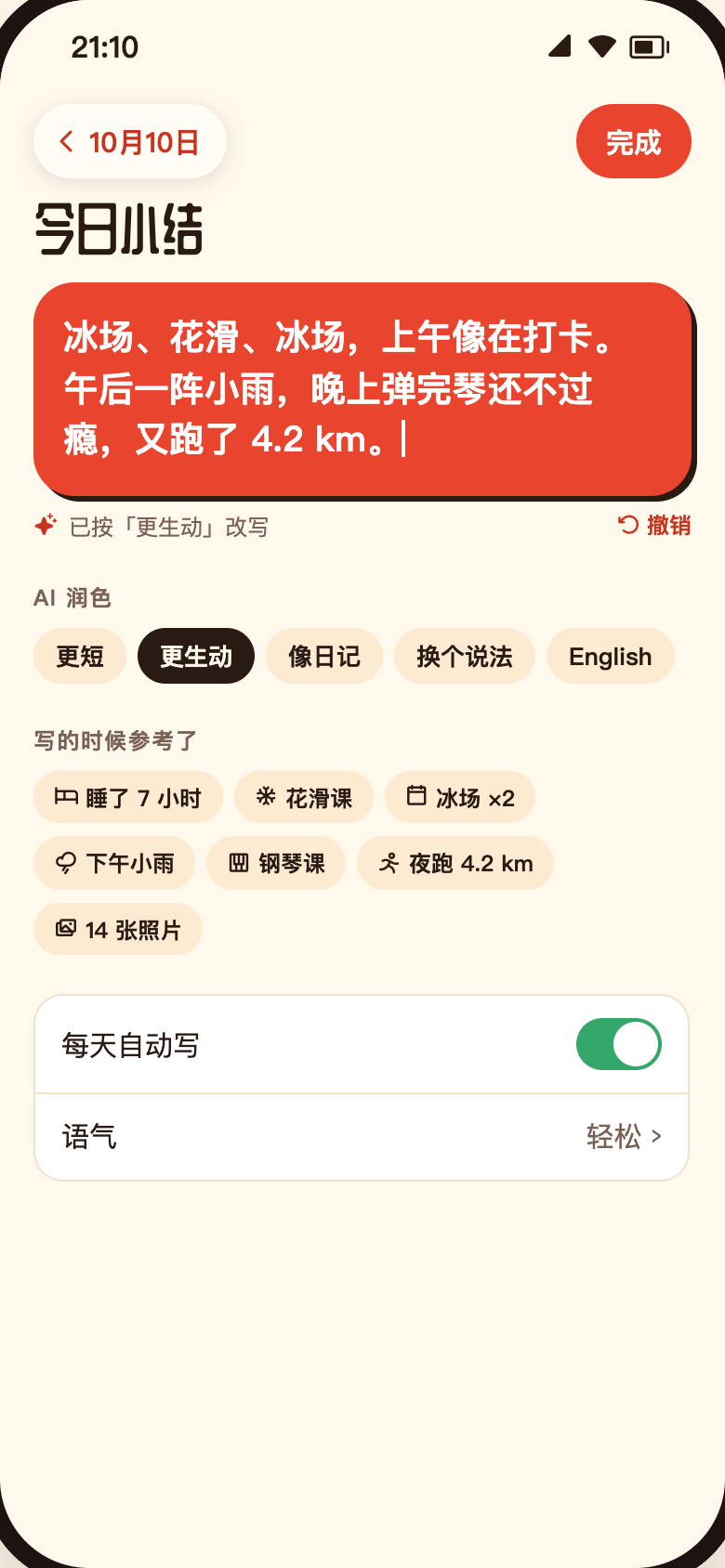
Your daily summary is drafted from the day’s facts. Edit it directly, or ask AI to rewrite it in another direction. Don’t like it? Undo.
Runs on-device with Apple Intelligence — nothing goes to a server
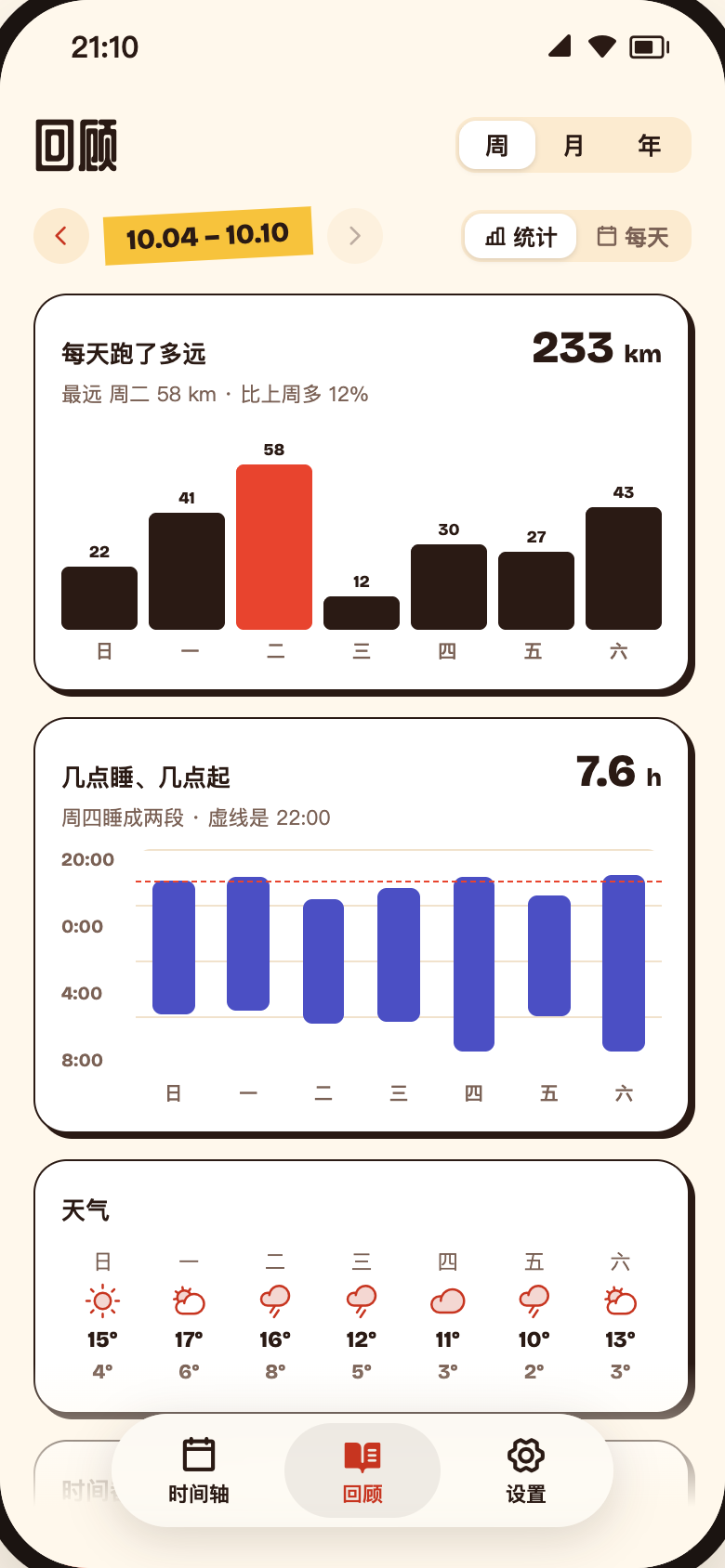
Look back on a week, a month, a year
Distance, bedtimes, weather and moods, by week, month and year — or flip to a cover calendar, one photo per day.
Design preview · Review is in development
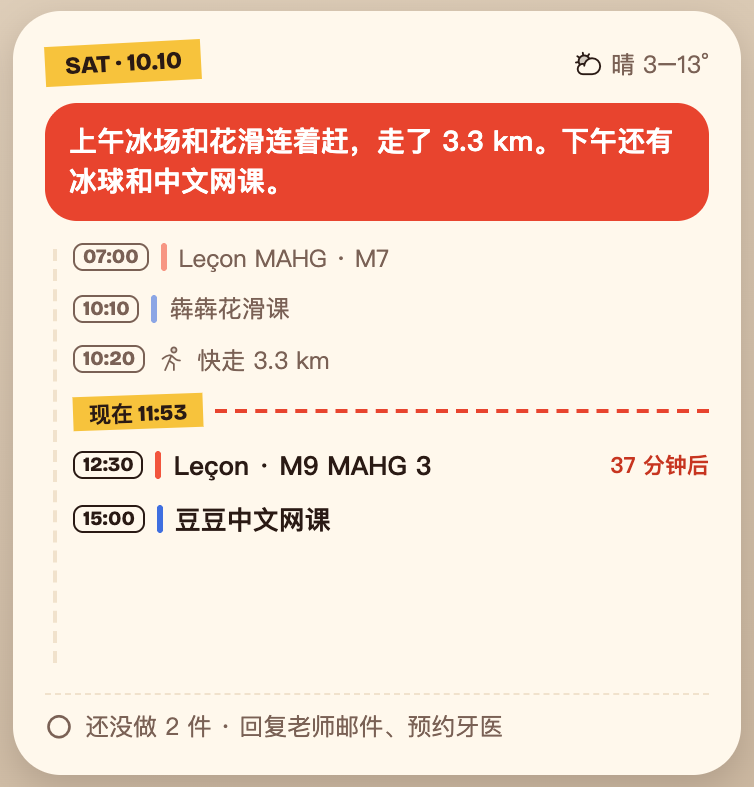
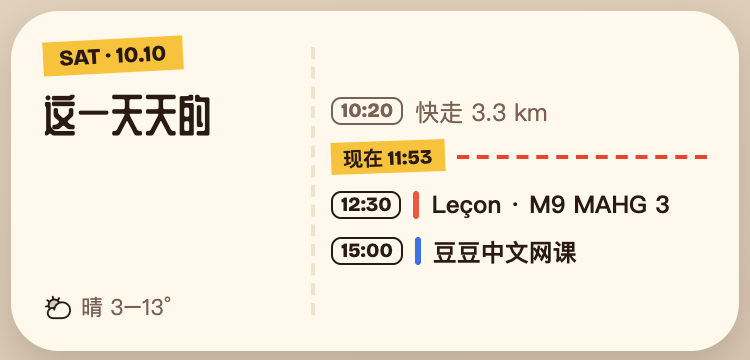
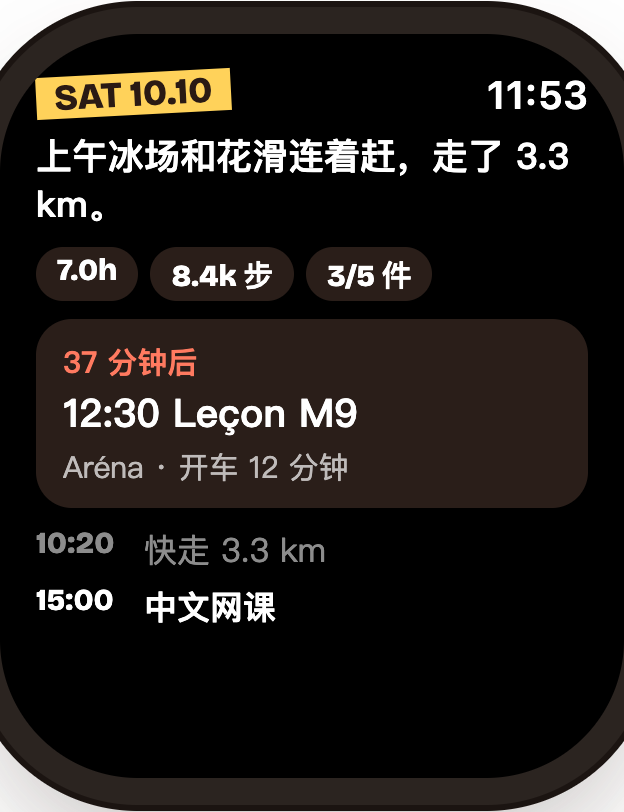
See today without opening the app
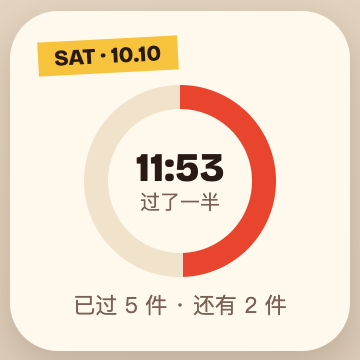
Home Screen, Lock Screen, iPad and your watch face — glance at how far into the day you are, what’s next, and how you slept.
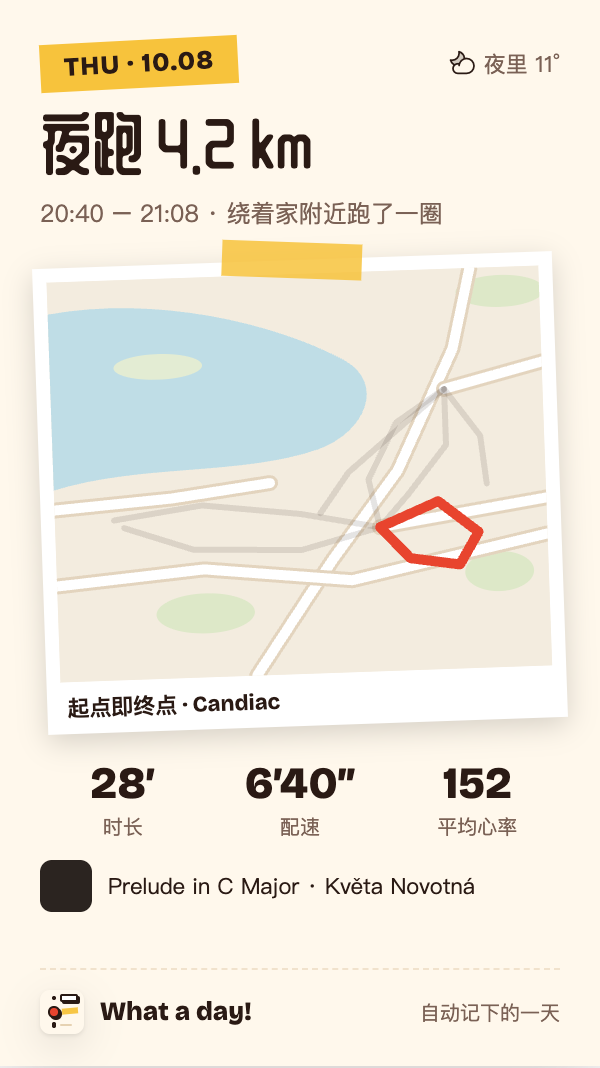
When you want to share, make it a card
Weather, sleep, workouts, trips, visits and notes all have 9:16 share templates. You decide how much location to show.
Your days stay yours
Processed on device
Summaries and AI rewrites run on Apple Intelligence’s on-device model.
Home trimmed out
When a shared route starts or ends near Home, the first and last 200 m are cut.
Export is always free
Recording, editing, deleting, exporting and restoring archives never cost a thing.
Recording is free. Plus is on the way.
Recording and control over your data are free. Below is the planned What a Day+ offering. History is not restricted in the current version.
The offering is being finalized. Pricing and benefits will follow the App Store and in-app information when available.Planned membership · All current features are open. Purchases and trials are not available yet.
| Feature | Free | What a Day+ |
|---|---|---|
| Automatic recording (all sources) | ✓ | ✓ |
| Timeline, map, details | Last 7 days | All |
| Edit, delete, write photo locations | ✓ | ✓ |
| AI summary rewrite (on-device) | ✓ | ✓ |
| Favorite places | 3 | Unlimited |
| Share cards | Collage · watermark | All templates |
| Day replay | View only | Export video |
| Week / month / year review | — | ✓ |
| Widgets | Today progress | All |
| Lock Screen widgets, Apple Watch | — | ✓ |
| Export / restore archive | ✓ | ✓ |
Today is worth remembering, too.
Install it, then go about your day. Open it tonight.